

How to Connect Your Loog x Duolingo Piano
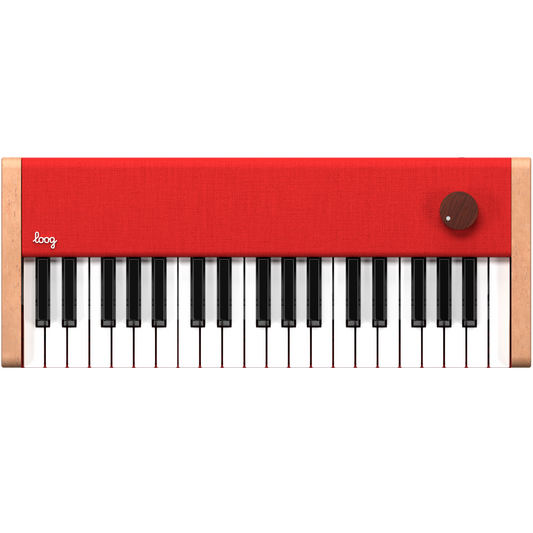
Getting started with your Loog x Duolingo Piano is quick and easy. In just a few steps, you’ll be playing along with the Duolingo Music Course on your phone or tablet.
To make things even simpler, we’ve put together three short videos that walk you through the setup process depending on your device.
Choose Your Device
- Android device
- iOS with Lightning Port Device (older iPhones and iPads)
- iOS with USB-C Port Device (newer iPhones and iPads)
Each video shows exactly which cable or adapter you need and how to connect your piano so it’s recognized instantly by the app.
Before You Start
Make sure you have:
- Your Loog x Duolingo Piano
- The Duolingo app installed and updated
- The correct cable or adapter for your device
Once connected, open the app, follow the on-screen instructions, and you’re ready to play. 🎥 Watch the video that matches your device below, and you’ll be up and running in no time.
Android Device:
iOS with Lightning Port Device:
iOS with USB-C Port Device:
If you're still having trouble, please e-mail us at support@loogguitars.com and our team will be glad to help.
Happy playing! 💛